
Online forms for exams, jobs, scholarships and admissions often ask for a photo and a signature under a small file size, such as 20 KB, 50 KB or 100 KB. A normal phone photo is 2 to 5 MB, so the upload fails and many people lose time, or pay a cyber cafe for a two minute job.
This free tool fixes that. Choose your picture, pick the maximum size in KB and the size in pixels, and press Resize. It saves a JPG just under your limit while keeping the best quality that fits. Everything happens inside your browser, so your photo and signature are not uploaded to our server.
Please remember that every form has its own rules. Sizes and formats change from notice to notice, so always read the instructions on your own form and type those exact numbers here. Keep your original photo safe, and resize from the original each time for the sharpest result.
iPhone HEIC photo? Convert it to JPG first with the Image Converter.
Runs in your browser. Your picture is not uploaded or saved. Always check the size and format asked in your form notice.
Choose your picture, pick the maximum size in KB and the size in pixels, then press Resize. The tool saves a JPG and tries different quality levels until the file is just under your limit, so you keep the best quality that fits.
No. Everything happens inside your browser. The picture stays on your phone or computer.
A large picture packed into a very small size needs more squeezing than quality allows. Choose a smaller pixel size or a slightly higher KB limit and try again.
Use the numbers written in your own form notice. The presets here are only common examples, and every form can have different rules.
iPhone photos are often in HEIC format. Convert the picture to JPG first with the Image Converter, then upload it here.
This tool saves JPG, which is the format most forms ask for. Use the Image to PDF tool if you need a PDF.
 How to Create Business Reports with Gemini AIHow to Create Professional Business Reports Using Gemini AICreating a professional business report involves more than writing a few paragraphs. You need…Read guide
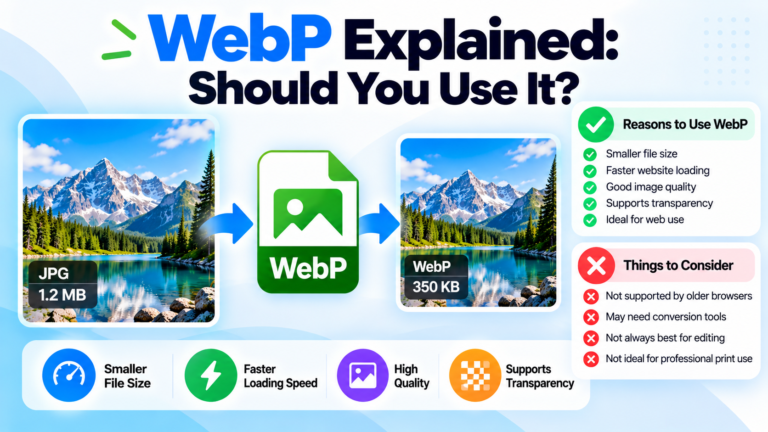 WebP Explained: Should You Use It? Pros, Cons & JPG ConversionWebP Explained: Should You Use It? A Complete GuideChoosing the right image format can make a difference to your website speed, image…Read guide
 How to Compress Images for a Faster WebsiteHow to Compress Images for a Faster Website: A Complete GuideIs your website loading slowly, especially on mobile devices? Large image files…Read guide
 Windows 11 2026 Update: New Features and TipsWindows 11 2026 Update: What's New?Windows 11 continues to evolve with improvements designed to make everyday computing faster, more convenient, and more…Read guide
We use cookies
We use cookies to make the site work, understand how it is used and show relevant ads. You can accept all or keep only the necessary ones. Privacy Policy