Convert WebP to JPG without the hassle
You save an image, try to upload it somewhere, and get told the format is not supported. Nine times out of ten the culprit is WebP. It is brilliant for fast websites, but plenty of email clients, print shops, document editors and older apps still only accept JPG. This free WebP to JPG converter fixes that right in your browser. There is nothing to install, no account to create, and no waiting for an upload.
How to convert WebP to JPG
- Add your images. Click the upload area or drag one or many .webp files onto it.
- Pick a quality. 90–92% is a sweet spot for photos. Lower it if you need smaller files.
- Press Convert. Each image is processed on your own device and shown with its before and after size.
- Download. Save single files, or grab everything in one ZIP. Names stay the same, only the extension changes.
Why people switch from WebP to JPG
JPG has been around for decades, so it opens in every photo viewer, social network, online form and design tool you are likely to meet. WebP is newer and smaller, which is great for page speed, but compatibility is still patchy outside the browser. If you just need an image to work everywhere, JPG is the safe choice. Your file name is kept too, so holiday-photo.webp simply becomes holiday-photo.jpg.
Quality, file size and transparency
JPG is a lossy format, so every export trades a little detail for size. Keep the slider high for photographs and you will not notice the difference. A JPG is often larger than the WebP it came from, because WebP compresses more efficiently. JPG also cannot store transparency, so see-through areas are filled with the background colour you choose (white by default). Animated WebP files convert to a still image of the first frame. Keep the original if you may want transparency or animation later.
Frequently asked questions
Can I convert many WebP files at once?
Yes. Drop in as many as you like (up to the batch limit shown in the tool), convert them together, then download the files one by one or as a single ZIP.
Will my file names stay the same?
Yes. Only the extension changes. If two files share a name, the ZIP adds a number so nothing gets overwritten.
Are my images uploaded anywhere?
No. Everything happens in your browser, so your images never leave your device and are never sent to this website or any third party.
Why is the JPG bigger than my WebP?
WebP is a more efficient format, so the same picture usually takes more space as a JPG. Lowering the quality slider will shrink it.
What happens to transparent areas?
JPG has no transparency, so those pixels are filled with the background colour you choose. White is the default.
Does it work on iPhone and Android?
Yes, in any modern mobile or desktop browser that can open WebP. For very large batches, convert in smaller groups to save device memory.

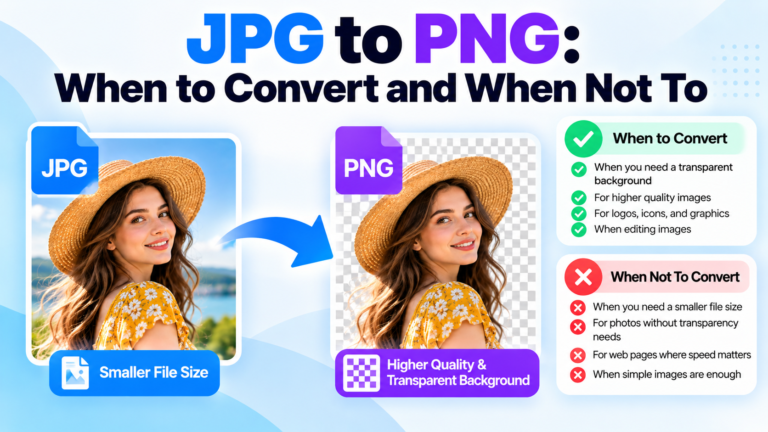 JPG to PNG: when to convert and when not toJPG to PNG: When to Convert and When Not To (Complete Guide)Have you ever needed to convert a JPG image to PNG…Read guide
 JPG to PNG Converter Online Free: Best Web ToolHow to Convert JPG to PNG Online for FreeHave you ever tried to upload an image to a website, edit a graphic,…Read guide
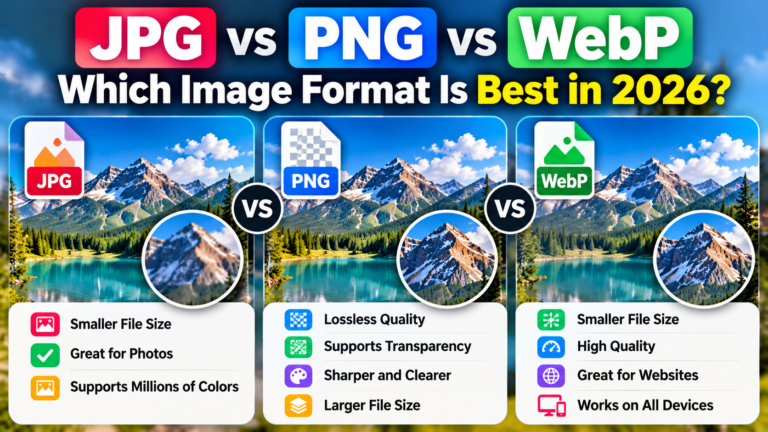 JPG vs PNG vs WebP: Which Image Format Is Best in 2026?JPG vs PNG vs WebP: Which Image Format Should You Use in 2026?Images are an important part of our digital lives. We…Read guide
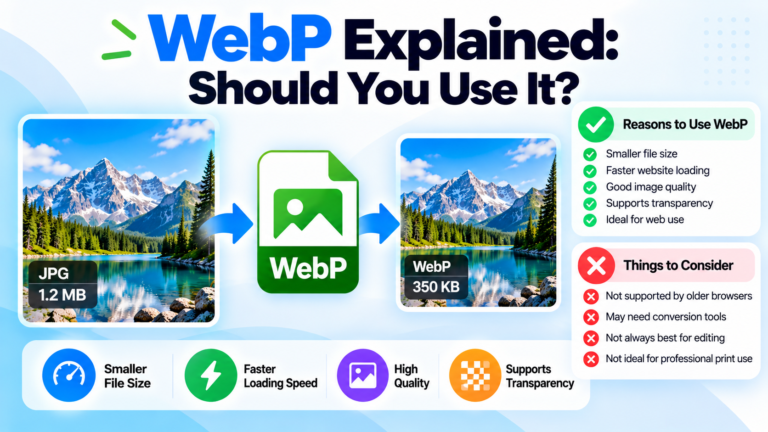 WebP Explained: Should You Use It? Pros, Cons & JPG ConversionWebP Explained: Should You Use It? A Complete GuideChoosing the right image format can make a difference to your website speed, image…Read guide