
By Advit
13 min read
Veterans Day AI Photo Editing Prompts for: Create Patriotic Photos Using Your Own Picture
Veterans Day is a special occasion in the United States to honour military veterans who have served in the U.S. Armed Forces. It is a time to show appreciation, remember their dedication, and celebrate the people who have served their country.
In 2026, Veterans Day will be observed on Wednesday, November 11. You can mark the occasion by creating meaningful patriotic portraits, American flag photos, military-inspired designs, and appreciation cards using AI photo editing tools.
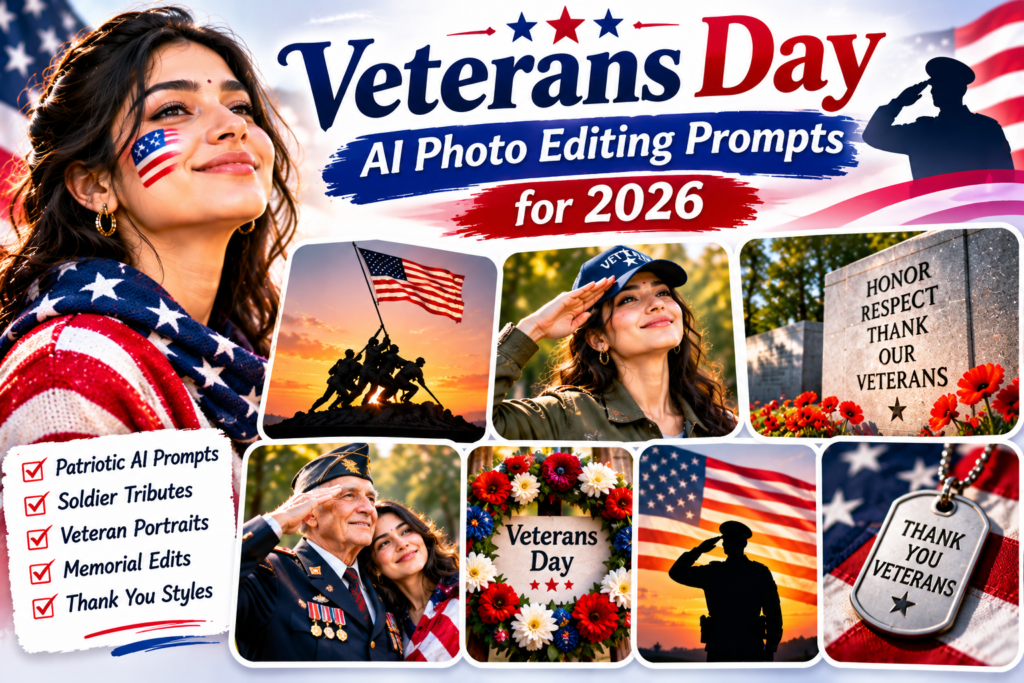
In this guide, you will find 25 Veterans Day AI photo editing prompts for 2026. These prompts are designed for Gemini AI and other image generators that support photo uploads. Use your own photograph to create a personalised Veterans Day image for social media, family memories, or a holiday greeting.
What Is Veterans Day?
Veterans Day is a federal holiday in the United States observed every year on November 11. It honours all military veterans who served in the U.S. Armed Forces.
It is different from Memorial Day, which honours service members who died while serving. Veterans Day recognises all veterans, living and deceased.
People mark the occasion through ceremonies, parades, community events, memorial activities, and messages of appreciation.
How to Create Veterans Day Photos Using AI
Follow these simple steps to create a personalised Veterans Day image.
Step 1: Choose Your Photo
Select a clear portrait or family picture. You can also use a photograph of a veteran, provided you have permission to edit and share it.
Step 2: Open an AI Image Generator
Open Gemini AI or another image generator that supports photo uploads.
Step 3: Upload Your Picture
Choose the photograph you want to use as the main reference image.
Step 4: Copy a Veterans Day Prompt
Select one of the prompts below. Each one offers a different patriotic design, from American flag portraits to appreciation greeting cards.
Step 5: Generate and Review
Generate your image and check the final result. Make sure the face, clothing, symbols, and any text look appropriate and accurate.
25 Best Veterans Day AI Photo Editing Prompts
Use your own uploaded photo with these prompts. For images featuring military uniforms, medals, or service details, use accurate reference information rather than asking AI to invent a person’s military history.
1. Classic Veterans Day Portrait
2. American Flag Background Portrait
3. Veterans Day Family Portrait
4. Patriotic Red, White, and Blue Portrait
5. Veterans Day Appreciation Card
6. Veteran Outdoor Portrait
7. Military Family Appreciation Portrait
8. Veterans Day Memorial-Inspired Design
9. Veterans Day Professional Portrait
10. Veterans Day Couple Portrait
11. American Flag Outdoor Photoshoot
12. Veterans Day Golden Hour Portrait
13. Veterans Day Social Media Poster
14. Veterans Day Tribute Portrait
15. Veterans Day Grandparent Portrait
16. Veterans Day Watercolour Artwork
17. Veterans Day Vintage Poster
18. Veterans Day American Flag Portrait Collage
19. Veterans Day Community Appreciation Scene
20. Veterans Day Black and White Portrait
21. Veterans Day Children’s Appreciation Artwork
22. Veterans Day Flag and Flowers Portrait
23. Veterans Day Greeting for Social Media
24. Veterans Day Family Memory Card
25. Cinematic Veterans Day Tribute Poster
Bonus: Universal Veterans Day AI Photo Editing Prompt
Use this template to create your own patriotic design.
Copy this prompt:
Use my uploaded photograph as the main reference. Preserve my original face, identity, hairstyle, and natural appearance. Create a respectful Veterans Day 2026 portrait with [DESCRIBE YOUR BACKGROUND]. Add tasteful American flag details, subtle patriotic decorations, and a balanced red, white, and blue colour palette. Use [PHOTO STYLE] lighting and a professional composition. Include [YOUR GREETING TEXT] in clear typography if requested. Do not invent military ranks, medals, service history, names, or other personal details.
Tips for Creating Respectful Veterans Day Photos
Veterans Day is a meaningful occasion, so keep your designs respectful and accurate.
Use a clear reference photo: Choose a photograph where the face is visible.
Preserve the person’s identity: Ask the AI to keep original facial features unchanged.
Use tasteful patriotic elements: American flags, stars, and red, white, and blue colours work well.
Avoid invented military details: Do not add false ranks, medals, uniforms, or service records.
Keep greeting text readable: AI-generated text may contain errors, so check it before sharing.
Get permission: Ask before editing or publishing another person’s photograph.
Choose the right format: Use square images for posts and vertical designs for Stories.
Veterans Day Caption Ideas
You can use these captions with your finished Veterans Day images:
Honoring those who served and sacrificed.
Gratitude, respect, and appreciation for every veteran.
Thank you to the brave men and women who served our country.
Today we remember, honour, and appreciate our veterans.
Freedom comes with sacrifice. We are grateful.
A day to honour those who answered the call to serve.
With respect and gratitude, Happy Veterans Day.
Thank you for your courage, dedication, and service.
Frequently Asked Questions
1. When is Veterans Day in 2026?
Veterans Day will be observed on Wednesday, November 11, 2026, in the United States.
2. What is the difference between Veterans Day and Memorial Day?
Veterans Day honours all military veterans who served in the U.S. Armed Forces. Memorial Day specifically honours service members who died while serving.
3. Can I create Veterans Day photos using Gemini AI?
Yes. Upload your own photo to Gemini AI and use one of the prompts in this guide. You can create patriotic portraits, greeting cards, and tribute designs.
4. Can I use my own family photo?
Yes. You can upload your own family photograph and create a personalised Veterans Day family portrait. Make sure you have permission from other people in the picture.
5. What colours are suitable for Veterans Day designs?
Red, white, and blue are common patriotic colours for Veterans Day designs. You can also use soft gold, cream, and navy for an elegant appearance.
6. Can I create a Veterans Day greeting card with AI?
Yes. Use a greeting-card prompt with your photo, an American flag background, and a short message such as “Thank You for Your Service”. Review the text before sharing or printing.
Final Thoughts
Veterans Day is an opportunity to recognise and appreciate the people who have served in the United States Armed Forces. A thoughtful photograph or greeting card can be a simple way to express gratitude.
With these 25 Veterans Day AI photo editing prompts for 2026, you can create patriotic portraits, family memories, appreciation cards, and social media designs using your own pictures. Choose a style, upload your photo, and create a respectful tribute for November 11.